


To gain access to your lists from the previous catalog, you will need to import them using the “Import from Old Catalog” button. Keep in mind, with larger lists this may take some time to import into the new system.
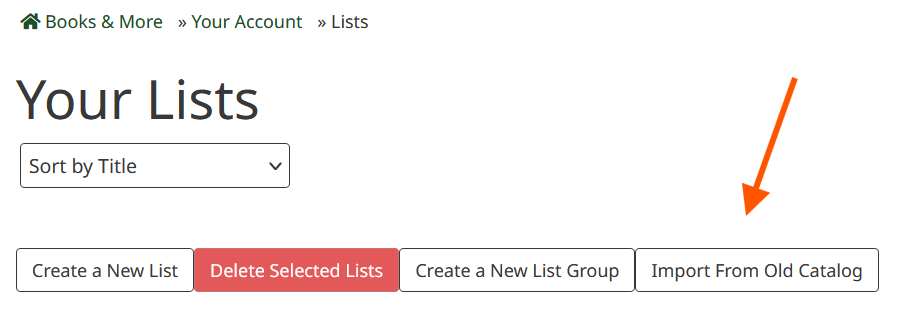
Once you have imported your lists, you can edit and group them with the new system. You can create new lists by selecting the “Create a New List” button.